What Makes a Video Downloader Tool Actually Good?
After reviewing dozens of download tools, the differences that matter most in practice come down to five factors:
1. It works without an account or login
The best download tools do not require you to create an account or share your social media credentials. Any tool that asks you to log in with your Instagram, TikTok, or Facebook password should be avoided immediately — there is no legitimate reason a video download tool needs your social media login. MediaDrop requires no account and never asks for platform credentials.
2. It processes content quickly
Good tools process a download request in 3–15 seconds. Tools that take 30+ seconds or display loading screens for extended periods are typically either poorly built or routing your request through slow third-party APIs. Speed matters when you need to process multiple downloads.
3. It is honest about what it can and cannot do
Reliable tools clearly explain which platforms and content types they support. They show helpful, specific error messages when a link does not work (not just generic 'error' messages). MediaDrop tells you exactly why a download failed — whether the content is private, the link format is unsupported, or the file is unavailable.
4. It works well on mobile
The majority of social media use — and therefore social media downloading — happens on mobile devices. A download tool that only works well on desktop is a half-solution. Good tools are responsive, touch-friendly, and download files to the device's standard download location.
5. It is transparent about privacy
Your download links should not be stored, logged, or used for any purpose beyond processing your request. MediaDrop processes links and immediately discards them — no link history, no user tracking, no data retention.
Red Flags to Avoid in Download Tools
Unfortunately, the download tool space includes many low-quality or outright malicious tools. Here are the warning signs to watch for:
Requires your social media password
This is the biggest red flag. No legitimate download tool needs your Instagram, TikTok, or Facebook password. Tools that request credentials are either phishing for your login data or operating in a way that puts your account at risk. Never enter your social media password into any third-party tool.
Multiple aggressive pop-ups and fake download buttons
Many download sites monetise through aggressive advertising, including fake 'Download' buttons that actually trigger ad clicks or malware downloads. If a site has multiple pop-ups, redirects to other sites, or shows multiple large download buttons, be careful — only one of them is real, and identifying which can be difficult.
Requests to install a browser extension
Some tools prompt you to install a browser extension before you can download. Browser extensions have deep access to your browsing activity. Avoid installing extensions from unknown download sites.
Extremely slow processing with no feedback
Tools that show a spinning loader for 30+ seconds without any status update are often either poorly built or routing requests through unreliable infrastructure. Well-built tools show progress and complete quickly.
No privacy policy or terms of use
A tool with no privacy policy is one that has not thought about — or does not want to disclose — what it does with your data. At minimum, any tool you use should have a privacy policy explaining what data is collected and how it is used.
Platform Coverage: What to Look For
Most users eventually need to download from more than one platform. A tool that supports multiple platforms saves you from using different tools for different needs.
MediaDrop provides dedicated, optimised download tools for each major platform:
- Instagram Video Downloader — for standard Instagram video posts
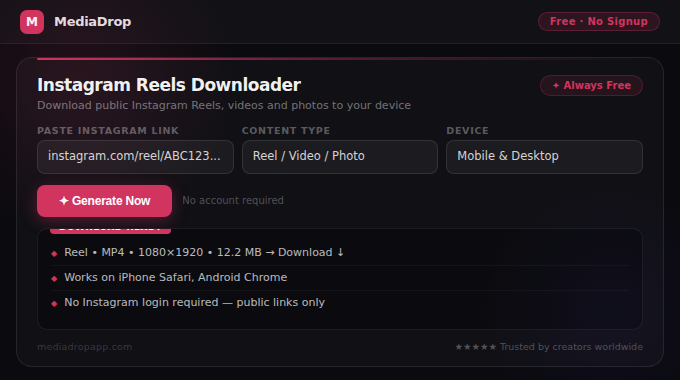
- Instagram Reels Downloader — optimised for Reels format
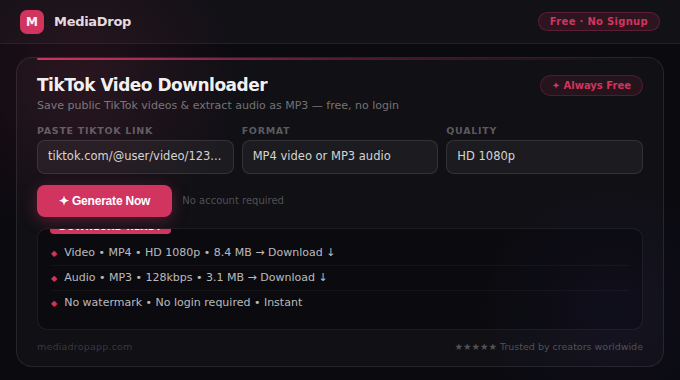
- TikTok Video Downloader — for public TikTok videos
- TikTok Audio Downloader (MP3) — extract audio from TikTok videos
- Facebook Video Downloader — for public Facebook videos and Reels
- Pinterest Downloader — for public Pinterest images and videos
Dedicated tools for each platform perform better than generic multi-platform tools because each platform serves content in different formats and structures. A tool built specifically for Instagram Reels handles Reels links more reliably than a generic tool that attempts to support every platform with one interface.
Beyond Downloading: Tools for Content Creators
If you are a content creator, a download tool is just the beginning. MediaDrop offers a complete suite of free creator tools that work alongside content downloads:
Research and inspiration: Download trending content from any supported platform to study what is working in your niche. Combine with Viral Content Analyzer to understand why specific content performs well.
Content production: Use AI Caption Generator, TikTok Script Generator, and YouTube Script Generator to produce content faster after your research phase.
Visual production: Background Remover, Image Compressor, and Social Image Resizer help you prepare images for any platform once you have your source material.
Video preparation: Video Trimmer, MP4 Compressor, and Audio Extractor let you edit and prepare video files after downloading.
How to Test Whether a Download Tool Is Actually Safe
Not all download tools are what they appear to be. Before trusting any site with your links and downloads, run this quick safety check:
Check 1: Does it require any login?
Open the tool and look for any prompts asking you to log in with a social media account, verify your identity, or create an account. A legitimate download tool needs none of these. If any credential request appears, leave the site immediately.
Check 2: What does it look like before you paste anything?
Safe tools have a clean, simple interface: an input field, a button, and clear instructions. Dangerous sites typically show multiple large 'Download' buttons before you have even pasted a link — these are ads disguised as functionality. Count the buttons visible on the page before you do anything. If there are 3 or more large download-style buttons, at least some of them are ads.
Check 3: Does it have a privacy policy?
Any legitimate tool should have a linked privacy policy explaining what happens to data you submit. No privacy policy means no accountability. MediaDrop's Privacy Policy clearly states that links are processed and immediately discarded — nothing is stored.
Check 4: Does it try to install anything?
Browser extension prompts, APK download requests, and software installation suggestions are all red flags. MediaDrop and all legitimate browser-based tools work without any installation. If a site asks you to install something before a download works, do not proceed.
Check 5: Does it use HTTPS?
Check that the URL in your browser starts with https:// and shows a padlock icon. Plain http:// sites transmit data without encryption and should be avoided for any tool you paste links or upload files into.
Comparing Free vs Paid Download Tools: What Actually Differs
Some download services charge monthly fees ranging from a few dollars to over twenty dollars per month. Understanding what paid tools actually offer helps you decide whether any tool is worth paying for — and whether free tools cover your needs.
What paid tools typically offer:
- Batch downloading — process multiple links simultaneously
- Higher resolution options — some claim 4K or maximum quality
- Scheduling features — queue downloads for later processing
- Ad-free experience — remove the advertising that funds free tools
- API access — for developers building their own integrations
What free tools like MediaDrop offer:
- Single-link processing at the quality available from public sources
- No installation, no account, no commitment
- Support for all major platforms (Instagram, TikTok, Facebook, Pinterest)
- Audio extraction (MP3) from video content
- Mobile-optimised browser interface
For most individual creators and casual users, free tools cover 95% of download needs. Paid tools make more sense for marketing agencies, social media researchers, and developers who need bulk processing or API integration. MediaDrop is designed for the individual creator who needs a reliable, private, fast tool without a subscription.
Conclusion
The best online download tools are fast, private, honest about their capabilities, mobile-friendly, and do not require your social media credentials. Avoid tools that show aggressive ads, request browser extensions, or ask for platform logins.
MediaDrop provides dedicated download tools for Instagram, TikTok, Facebook, and Pinterest — plus a complete suite of creator tools for caption writing, image editing, video compression, and content planning. Everything is free, no account required, and works on any device.
Start with the right tool for your platform and use the troubleshooting guide at Why Video Links Do Not Work when you encounter problems.